Efficient CV tailoring with CVMatchly AI
Install the extension, analyse a live job posting, and create a tailored CV without breaking your browsing flow.
- 01
Get started
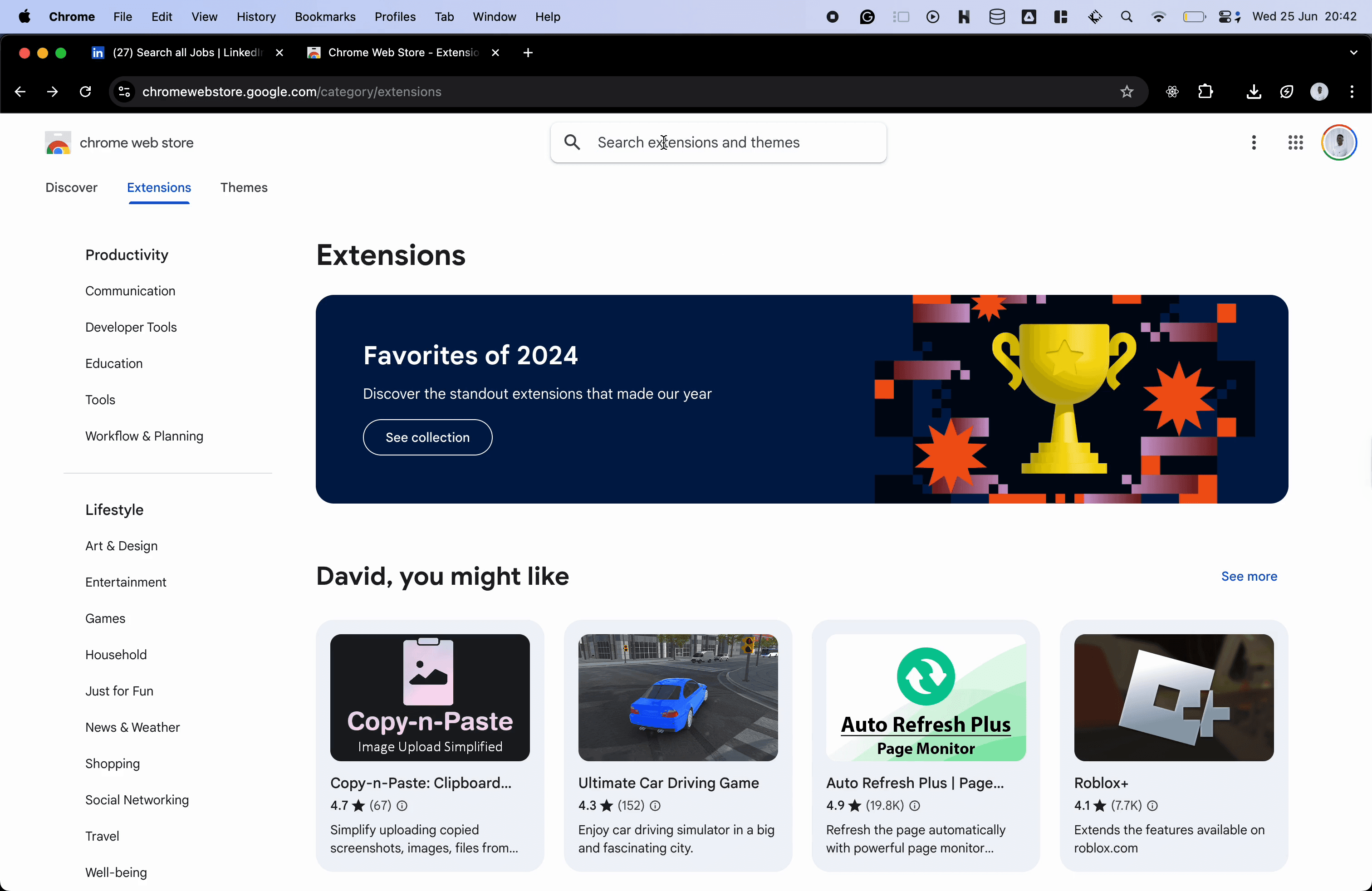
Open the Chrome Web Store. This is where you will find the CV Matchly AI extension for tailoring your CV from a job page.
- 02
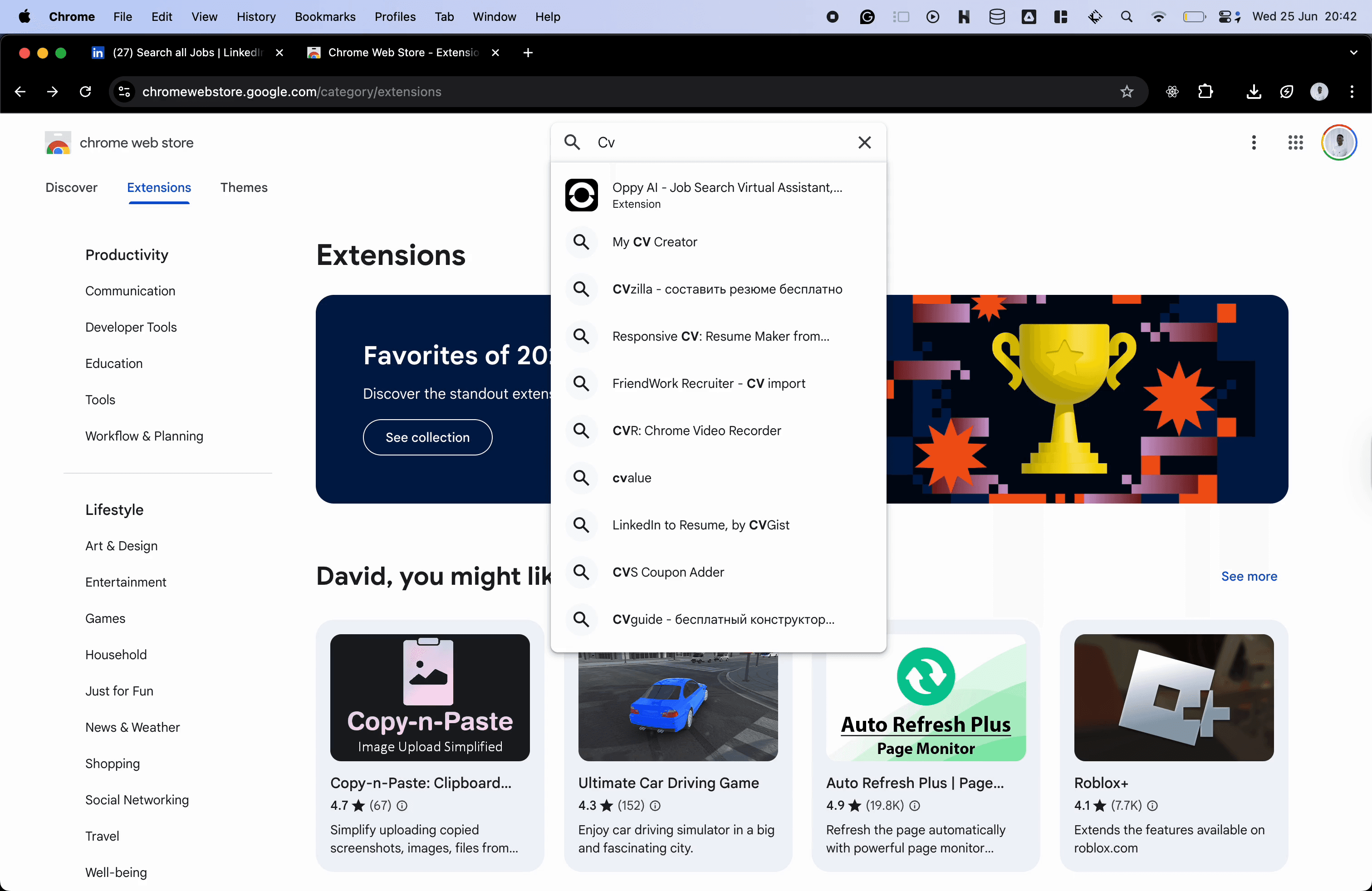
Search for CV Matchly
Use the Chrome Web Store search bar to look for CV Matchly.
- 03
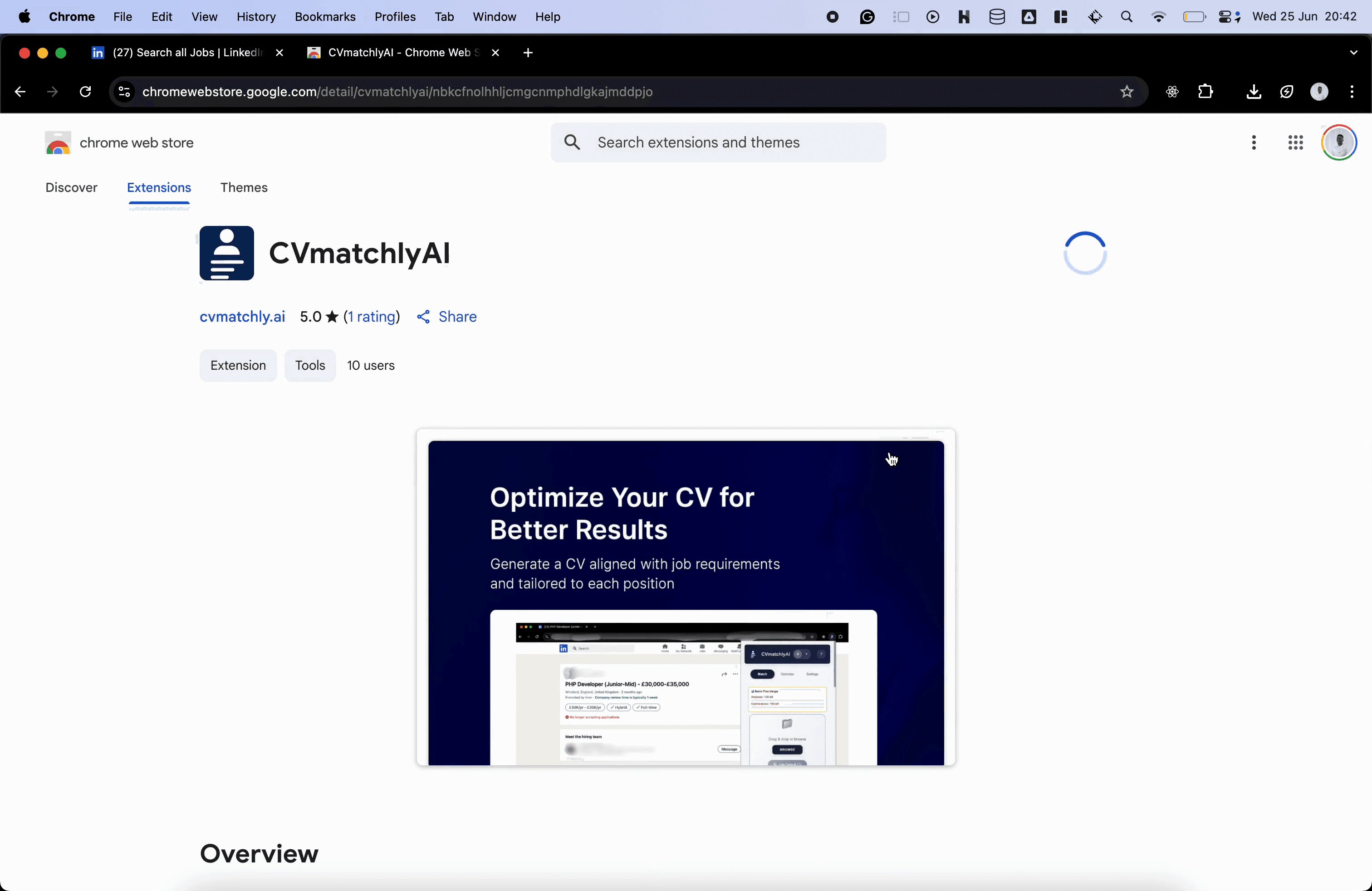
Install the extension
Choose Add to Chrome, then confirm the installation by selecting Add Extension.
- 04
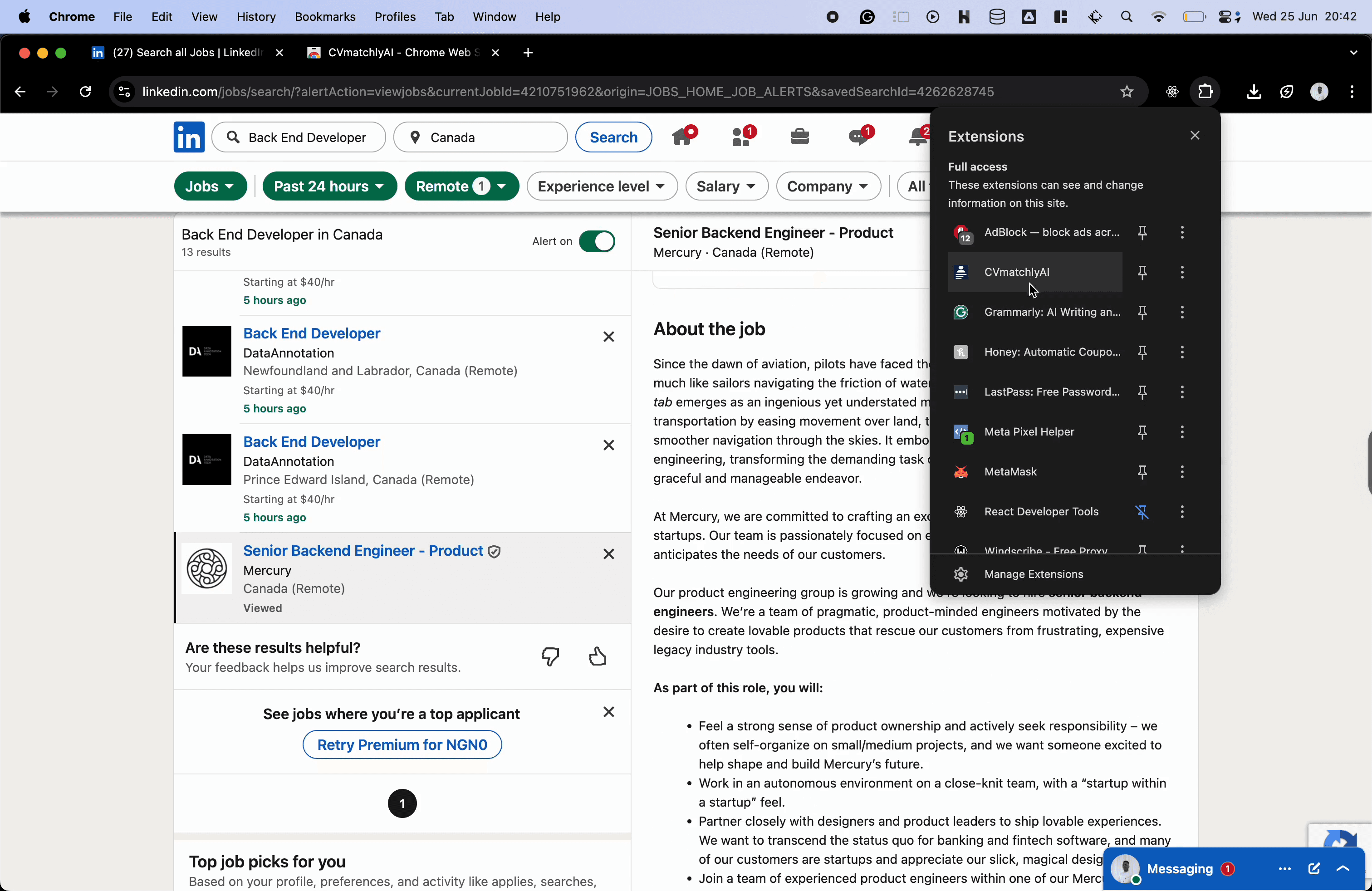
Open a job board
Visit your preferred job board, open a role, and launch the CV Matchly extension from your browser toolbar.
- 05
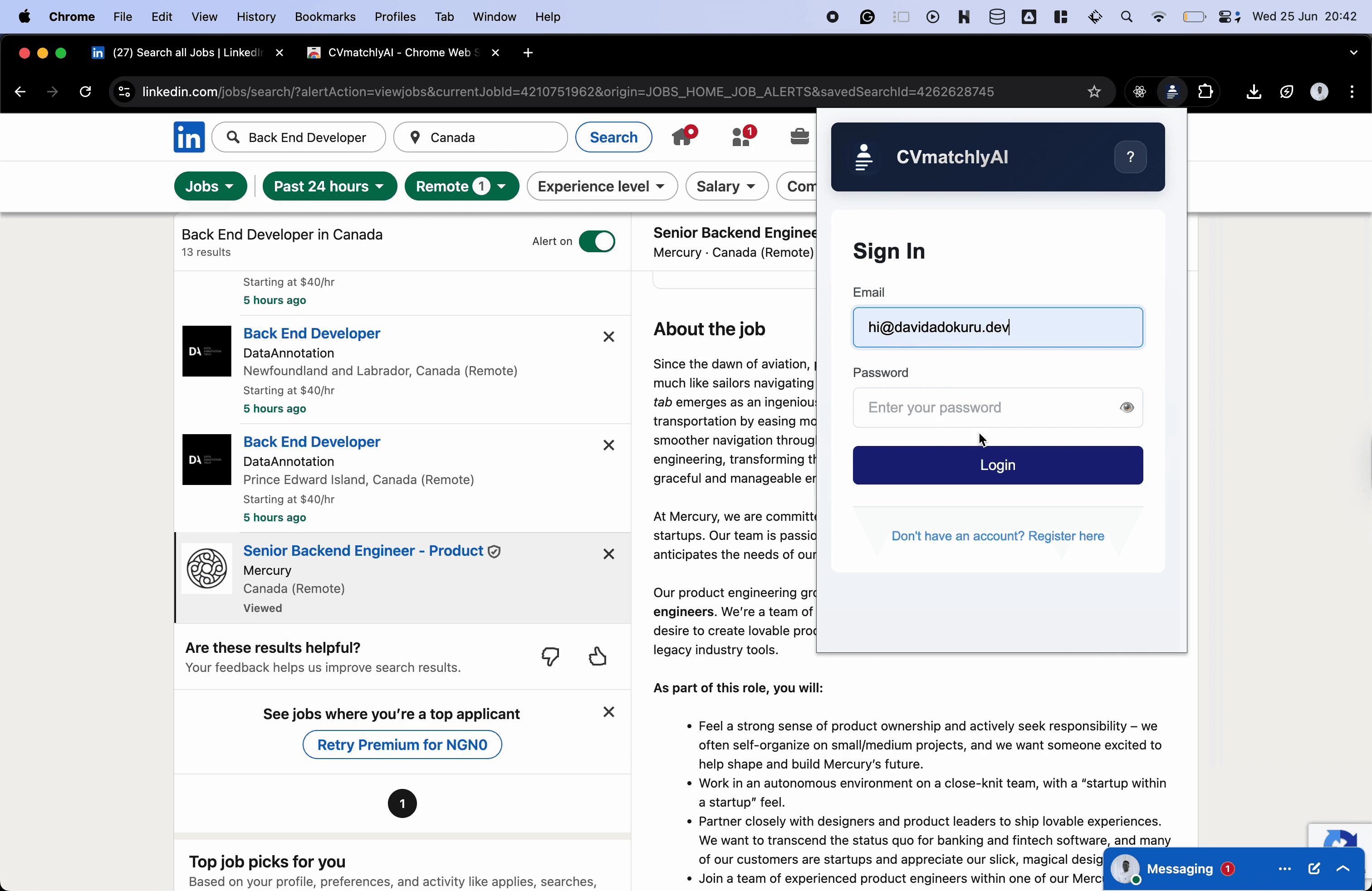
Sign in or create an account
Sign in with your existing CVMatchly account, or create one if this is your first time using the product.
- 06
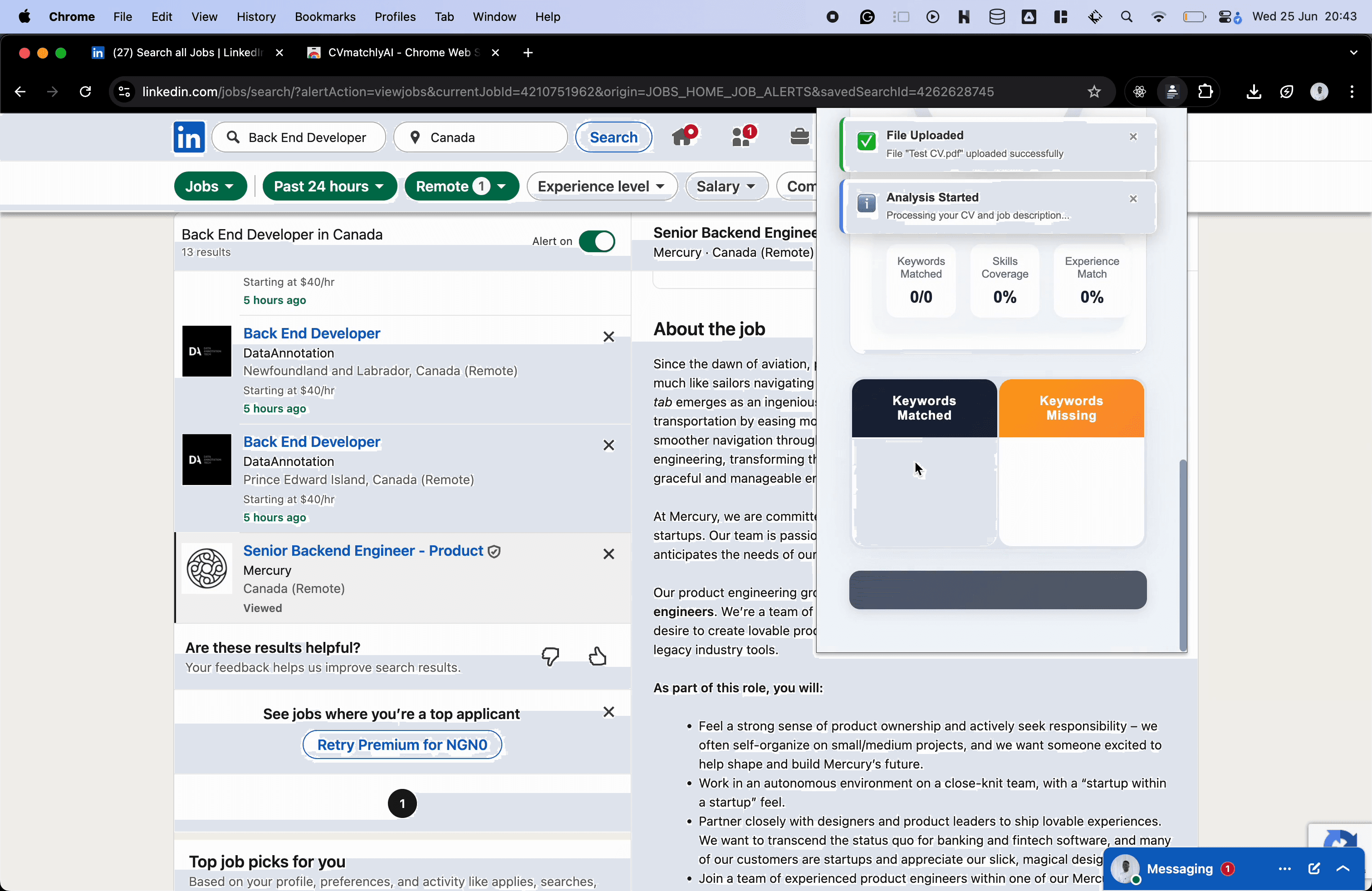
Upload your CV
Choose Browse to upload a CV, then move to the Match section to compare it with the open job description.
- 07
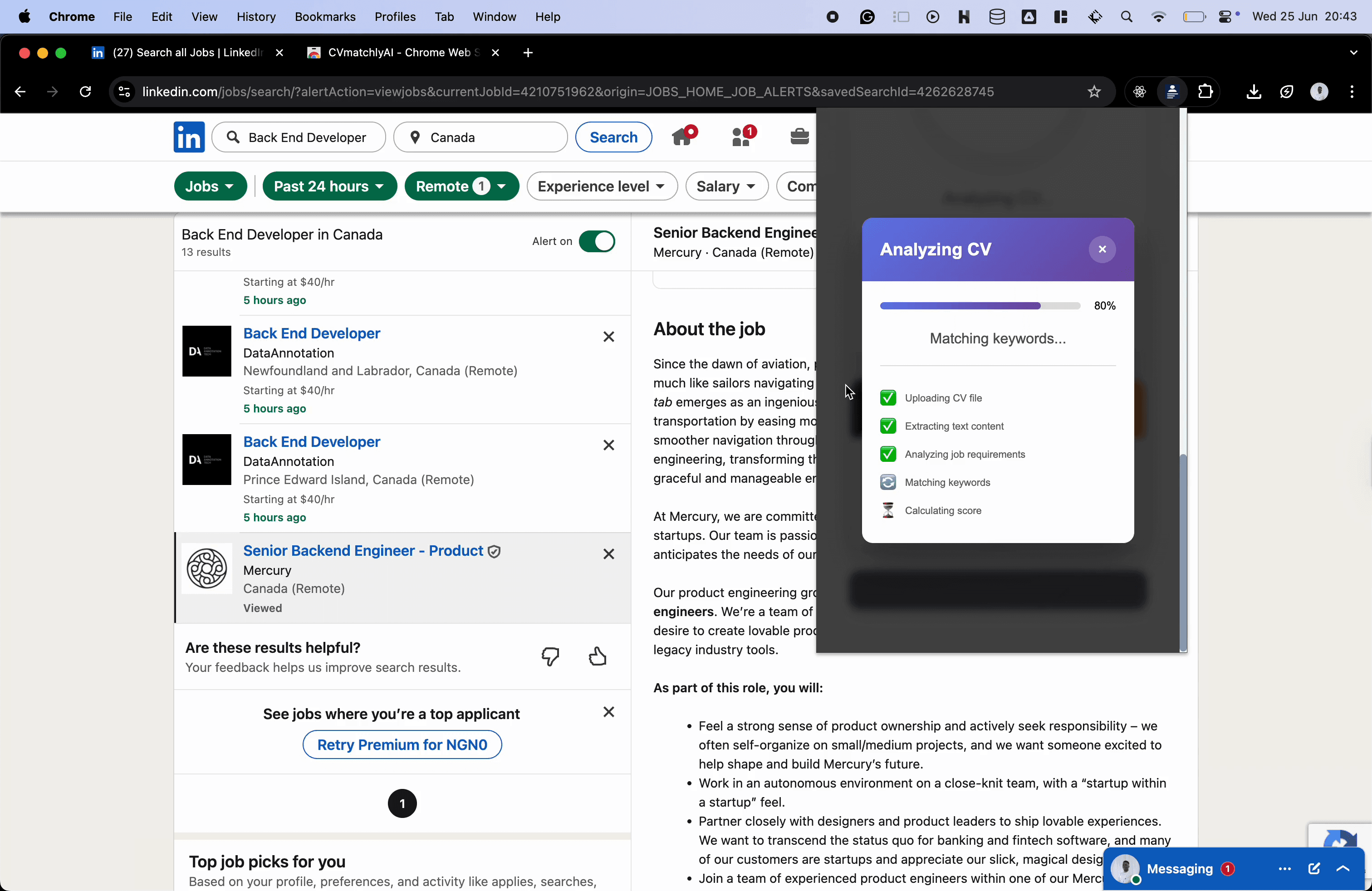
Run the analysis
Give CVMatchly a few seconds to analyse your CV against the job description.
- 08
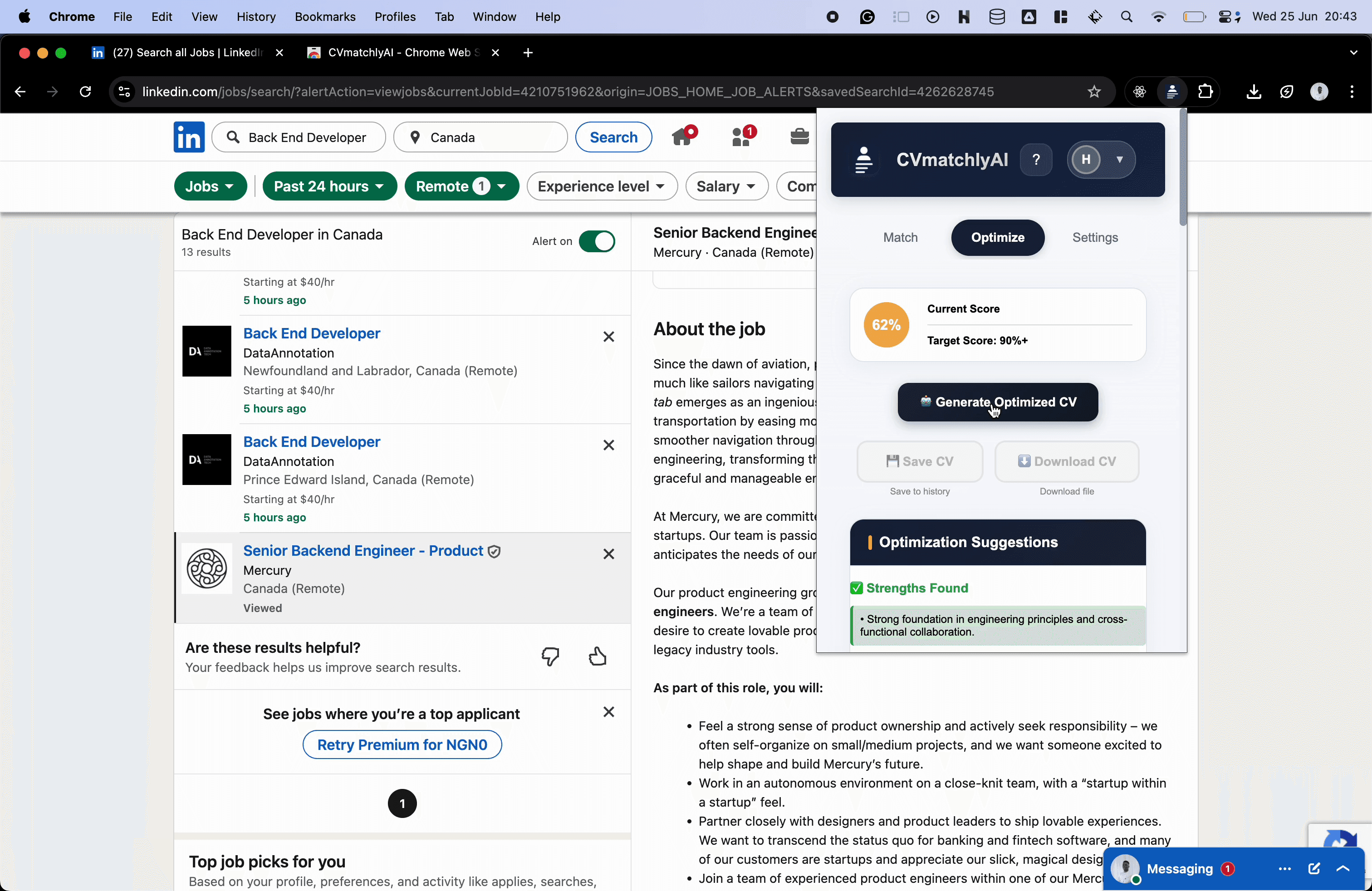
Review the match and optimise
Read your compatibility score, then open Optimise and choose Generate Optimised CV to strengthen the application.
- 09
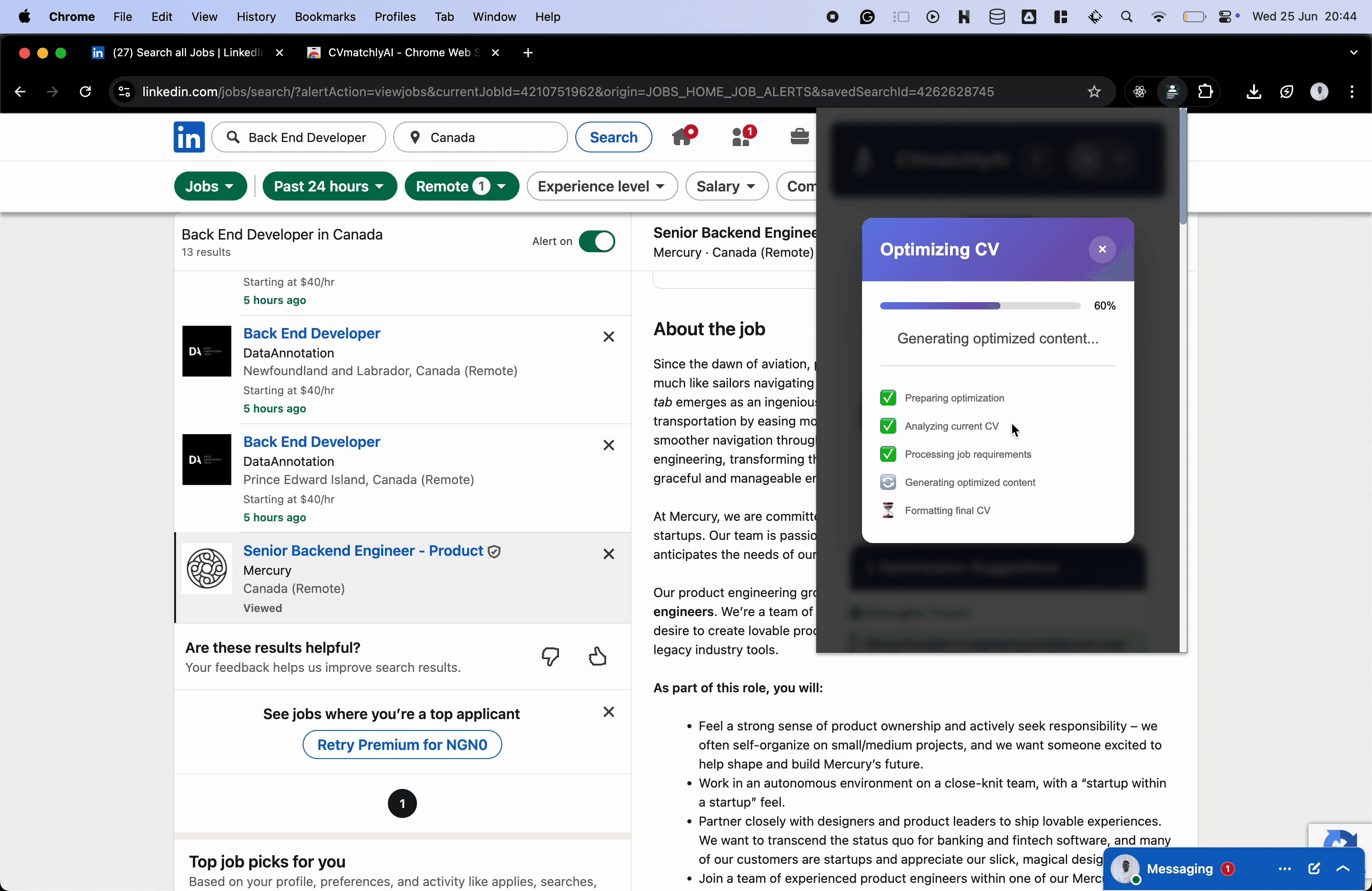
Wait for your tailored CV
The optimisation takes a few seconds while CVMatchly prepares the tailored version.
- 10
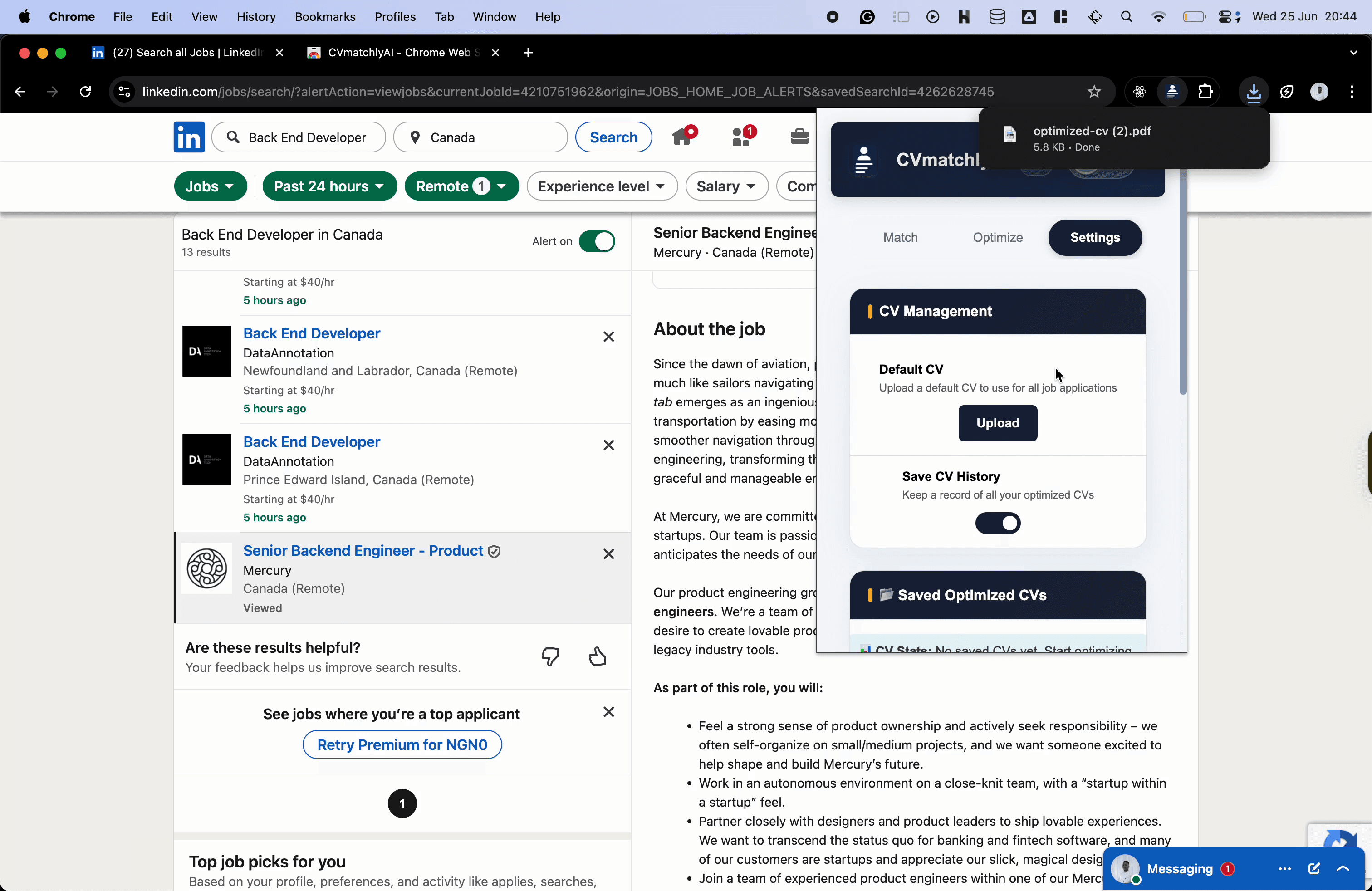
Download the result
Save or download the optimised CV when it is ready, then review it before submitting your application.
- 11
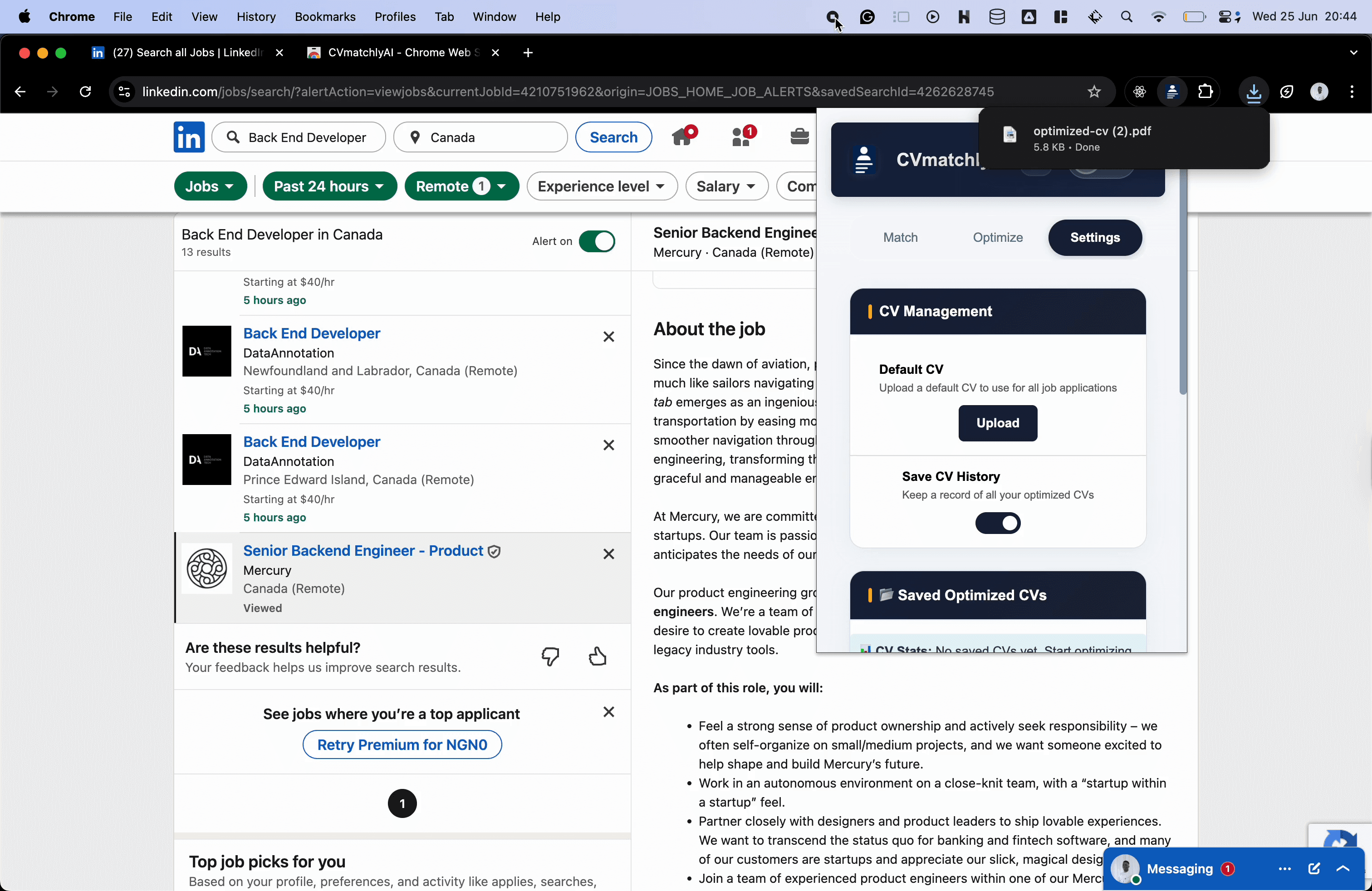
Manage your settings
Use Settings to manage saved CVs, adjust extension preferences, and choose a default CV for future analyses.
Your extension is ready
You can now analyse roles and tailor your CV directly from a job posting with the CVMatchly extension.
Keep going